
Hardware
Eneqto on the shop floor.
Small devices that talk to your Eneqto apps. A screen at the entrance, a sensor on the line, your dashboard on any TV. A box of building blocks for office and factory.
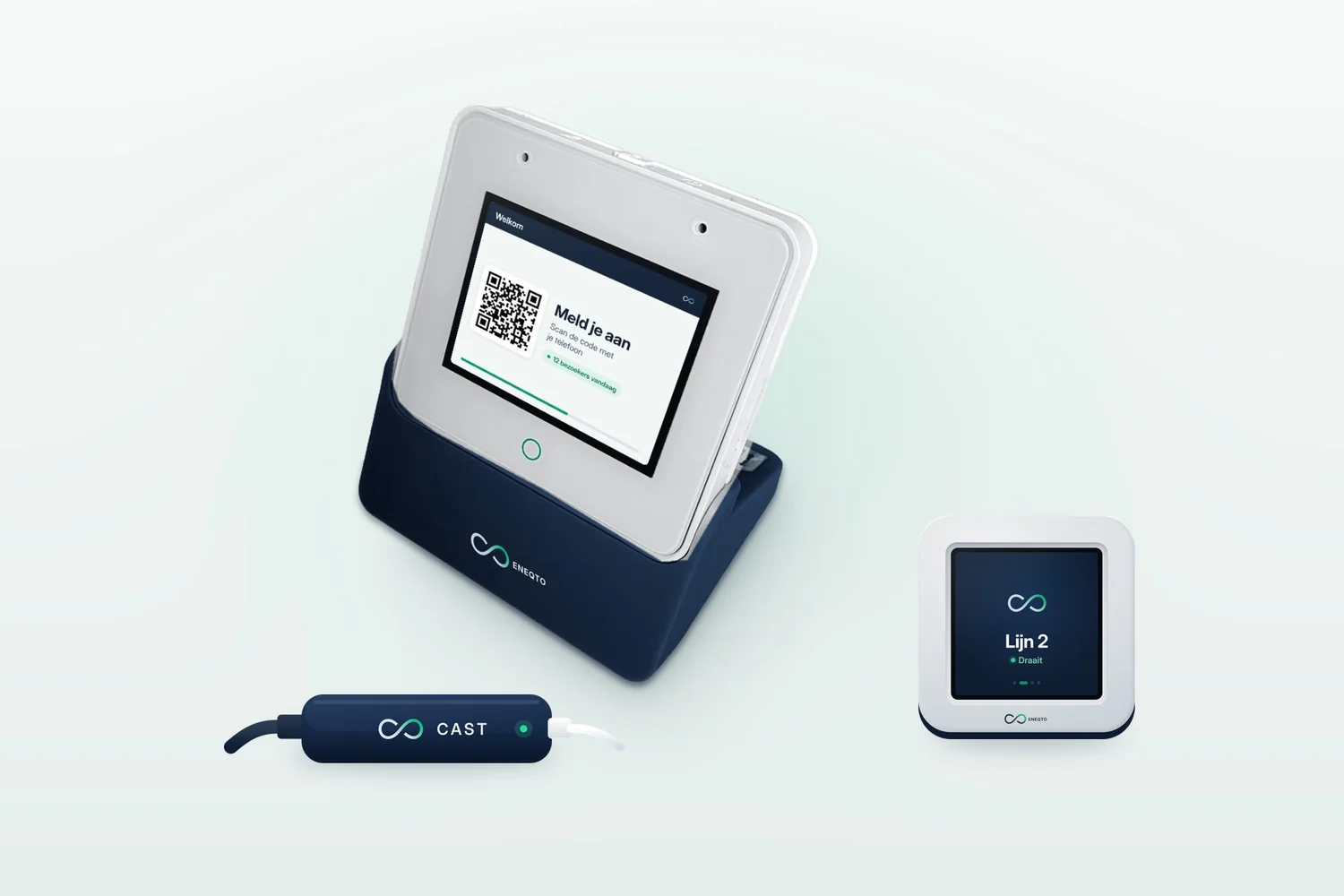
Software you can touch.
Your Eneqto apps run on a laptop or phone today. With hardware they also come to where the work happens: at reception, by the machine, on the wall. Every device talks to Eneqto over Wi-Fi, and you decide in Eneqto what it does.
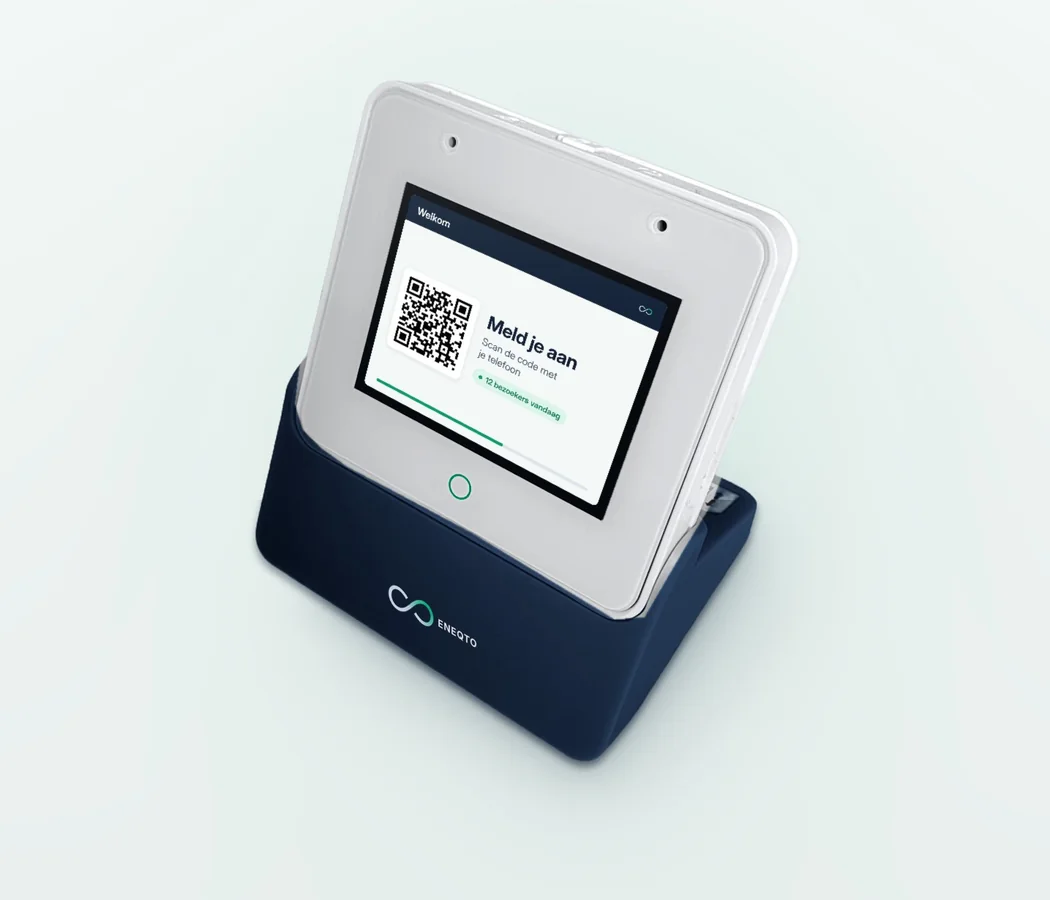
The smart screen for reception, door and workstation.
A touchscreen that hears, talks and sees who is in front of it. Put it at the entrance, next to a machine or in the meeting room. What appears on the screen is up to you, in Eneqto.
- Touchscreentap and something happens in Eneqto
- Microphonelistens to speech
- Speakertalks back, plays sounds or music
- Radarsees whether someone is in front of it and counts who walks past
- Infraredreads the signals from a remote control
- Wi-Fiworks on your own network or your phone's hotspot
How to use it
- Visitors sign in at reception by scanning a QR code.
- Counting how many people walk past the door in a day.
- A button on the shop floor: tap 'done' or 'fault' and Eneqto passes it on.
- Moving through your presentation with a tap or your voice.
- As a universal remote for a TV or amplifier, controlled from Eneqto.
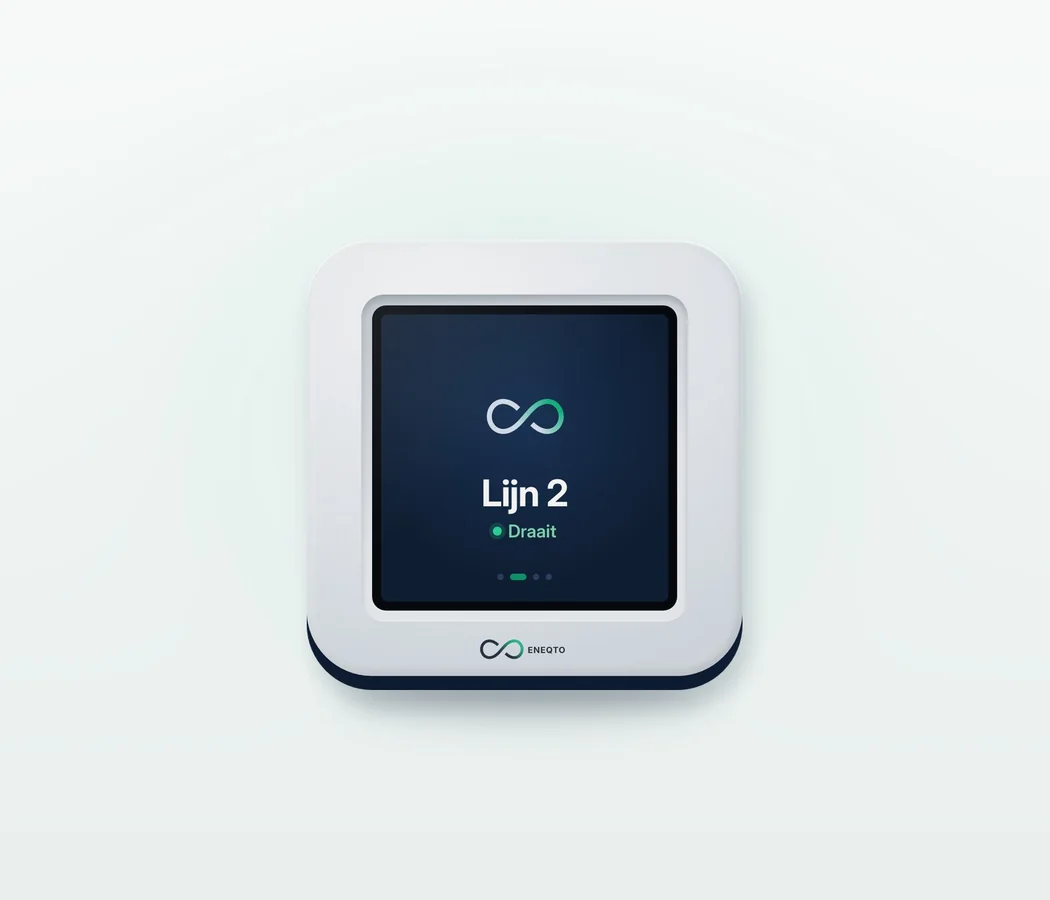
Small, wireless and senses movement.
A small block with a screen of about one and a half centimetres. It hears, talks and feels when it is tilted, shaken or moved. Small enough for a machine, a trolley or a desk.
- Small screena status or one number at a glance
- Microphonerecord a short voice message
- Speakera sound when something changes
- Motion sensorfeels tilting, shaking and speed
- Wi-Fialso via your phone's hotspot
How to use it
- The status of a machine or production line, right where it is.
- Tilt the block to move between screens.
- An alert in Eneqto when a trolley, pallet or crate moves or takes a knock.
- Recording a short voice message without reaching for a phone.
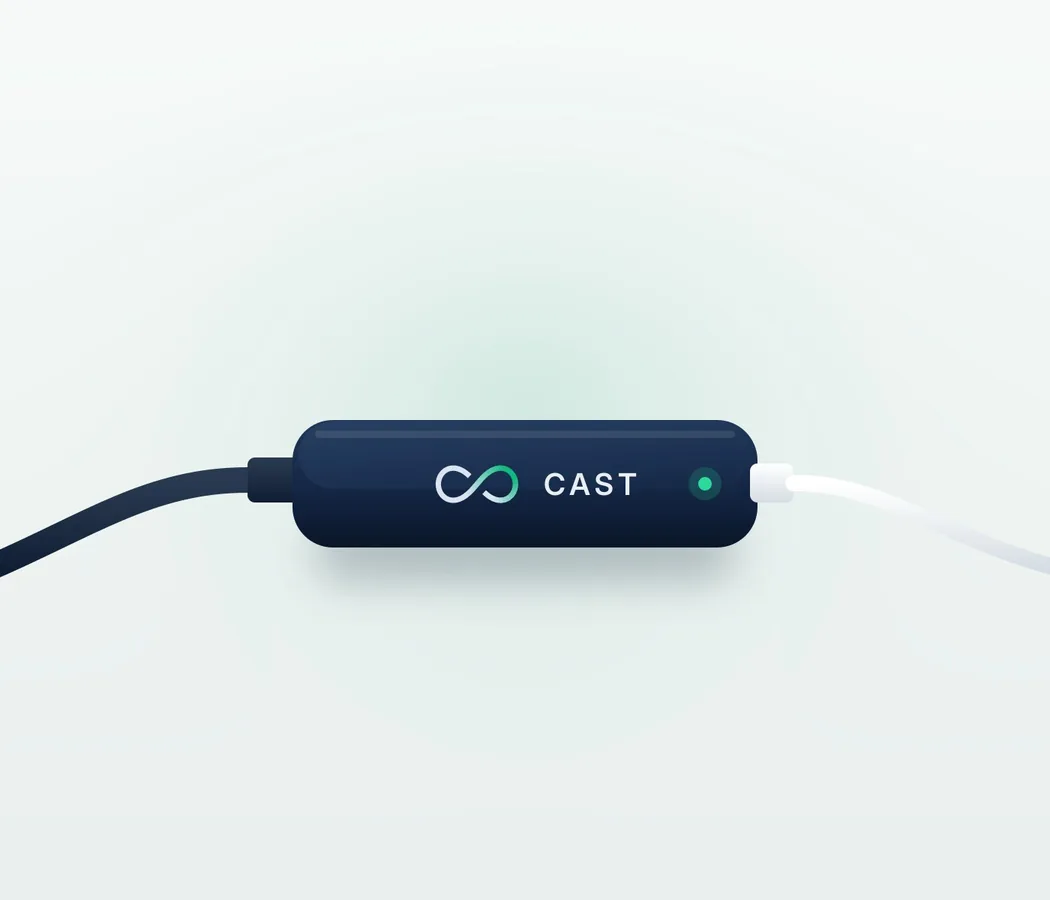
Every TV becomes an Eneqto screen.
Plug the Cast into a TV and show any Eneqto app or dashboard on it. No computer behind it. Which app appears on which screen is set up in Eneqto.
- HDMIwith a short mini-HDMI to HDMI cable
- USB powerefficient: about 2 watts, no charging needed
- Wi-Fialso via your phone's hotspot
- Any Eneqto appyou choose what appears on screen
How to use it
- Your management cockpit on a TV on the wall, without a PC behind it.
- A dashboard on the shop floor that updates all day.
- At a customer's: plug it into their TV, turn on your hotspot and your presentation is on screen.
What's inside?
Three devices, each with its own job. Together they cover reception, shop floor and meeting room.
| Feature | Hub | Dot | Cast |
|---|---|---|---|
| Touchscreen | yes | no | no |
| Screen | yes | small | via the TV |
| Microphone | yes | yes | no |
| Speaker | yes | yes | no |
| Radar (presence) | yes | no | no |
| Infrared | yes | no | no |
| Motion sensor | no | yes | no |
| HDMI | no | no | yes |
| Wi-Fi | yes | yes | yes |
How it works together.
The real strength is in combining them with your Eneqto apps. Three examples.
Reception that runs itself.
The Hub at reception welcomes visitors and lets them sign in with a QR code. The radar counts how many people come in. On the TV in the hall, the Cast shows who is expected today.
Status right where it matters.
A Dot on every line shows whether everything is running. With a tap on the Hub an operator reports 'done' or 'fault', and Eneqto passes it straight on to planning and maintenance.
Presenting at the customer's.
Plug the Cast into the customer's TV, turn on your phone's hotspot and your presentation is on screen. The Hub is your remote: next slide with a tap or your voice.
You set everything up in Eneqto.
You do not need to configure anything on the devices themselves. In Eneqto you choose which app appears on which screen, what happens when someone taps a button and where an alert goes.
- Switch onPlug it in and connect to Wi-Fi or your phone's hotspot.
- ChooseIn Eneqto you decide which app, dashboard or flow belongs to the device.
- UseWhat the device sees, hears or measures ends up in your Eneqto data, just like everything from your other systems.
NewWe are now rolling out the hardware with our first customers. Curious what it could do in your workplace? On the scoping day we look at the possibilities together.
Bring Eneqto to the shop floor.
Tell us where the work happens. On the scoping day we show you which devices fit there.
- Phone
- 0318 742 583
- info@eneqto.ai
- Visiting address
- Traverse 3, 3905 NL Veenendaal, the Netherlands
- Opening hours
- Mon to Fri, 8.30 am to 5.30 pm